How It Works
Choose how you want to use Narrantium.
Play a Ready-Made Adventure
Everything is already prepared. Choose a story, gather your party, and start playing.
Game Master
You guide the story. Narrantium keeps everything you need close at hand.
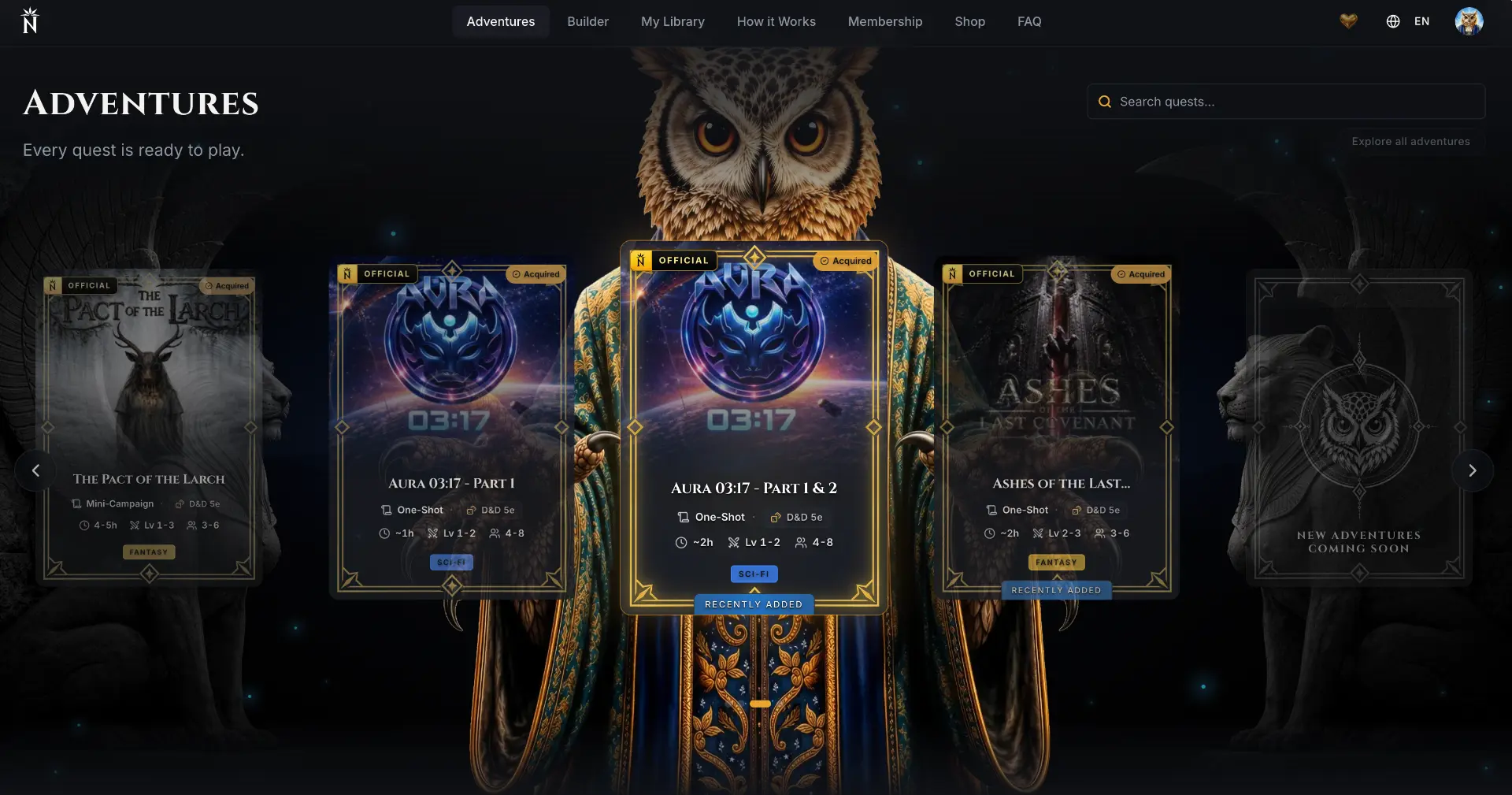
Choose Your Adventure
Browse the adventure library and choose from official Narrantium adventures or stories created and shared by the community.
- Scenes and branching paths
- Characters and locations
- Maps and encounters
- Visuals and narrative content
Get Familiar with the Story
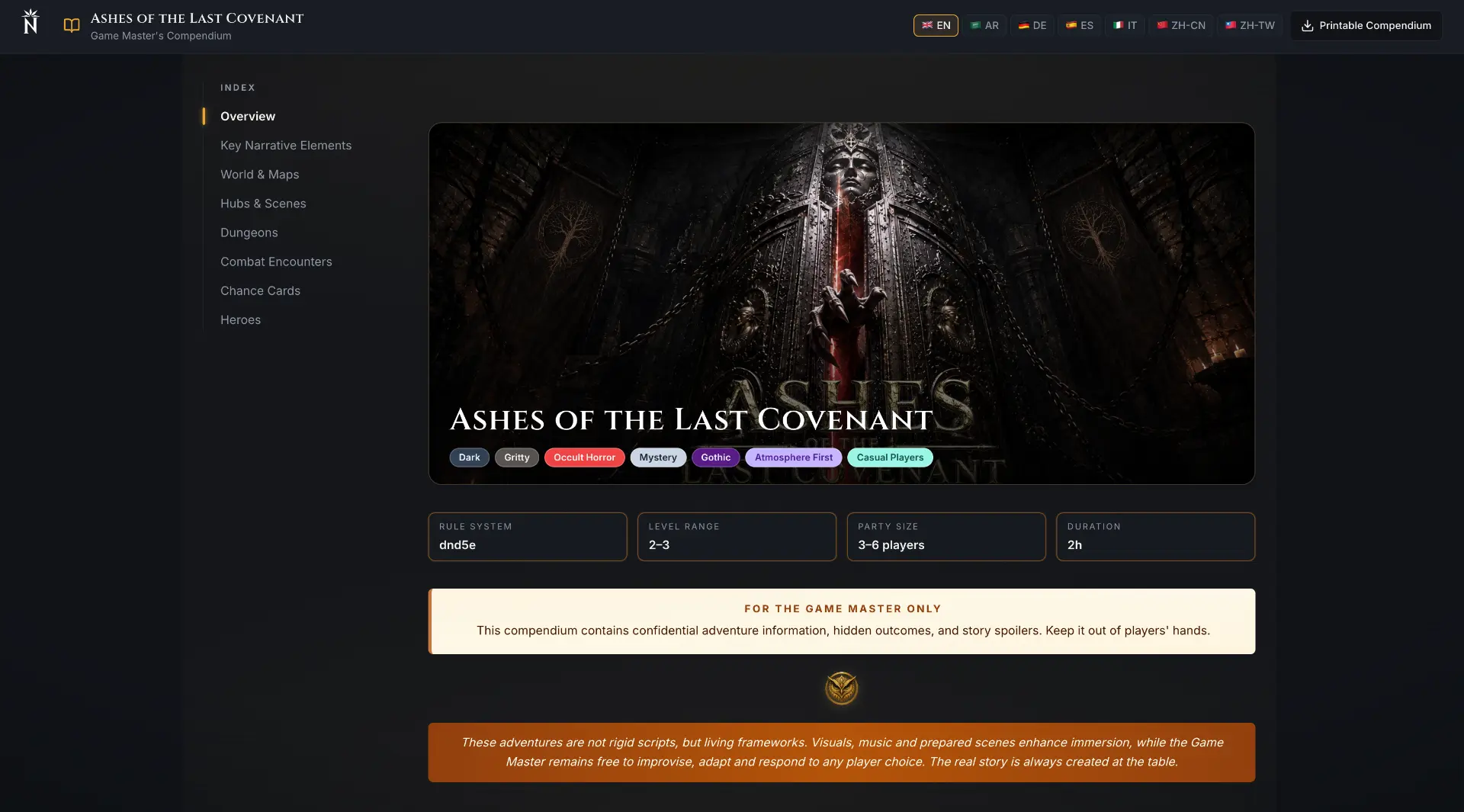
Read the GM Guide to understand the plot, key characters, locations, and major turning points.
No need to memorize everything. Narrantium keeps scene guidance available during play, and you can preview the adventure once beforehand to get familiar with its flow.
Start the Session
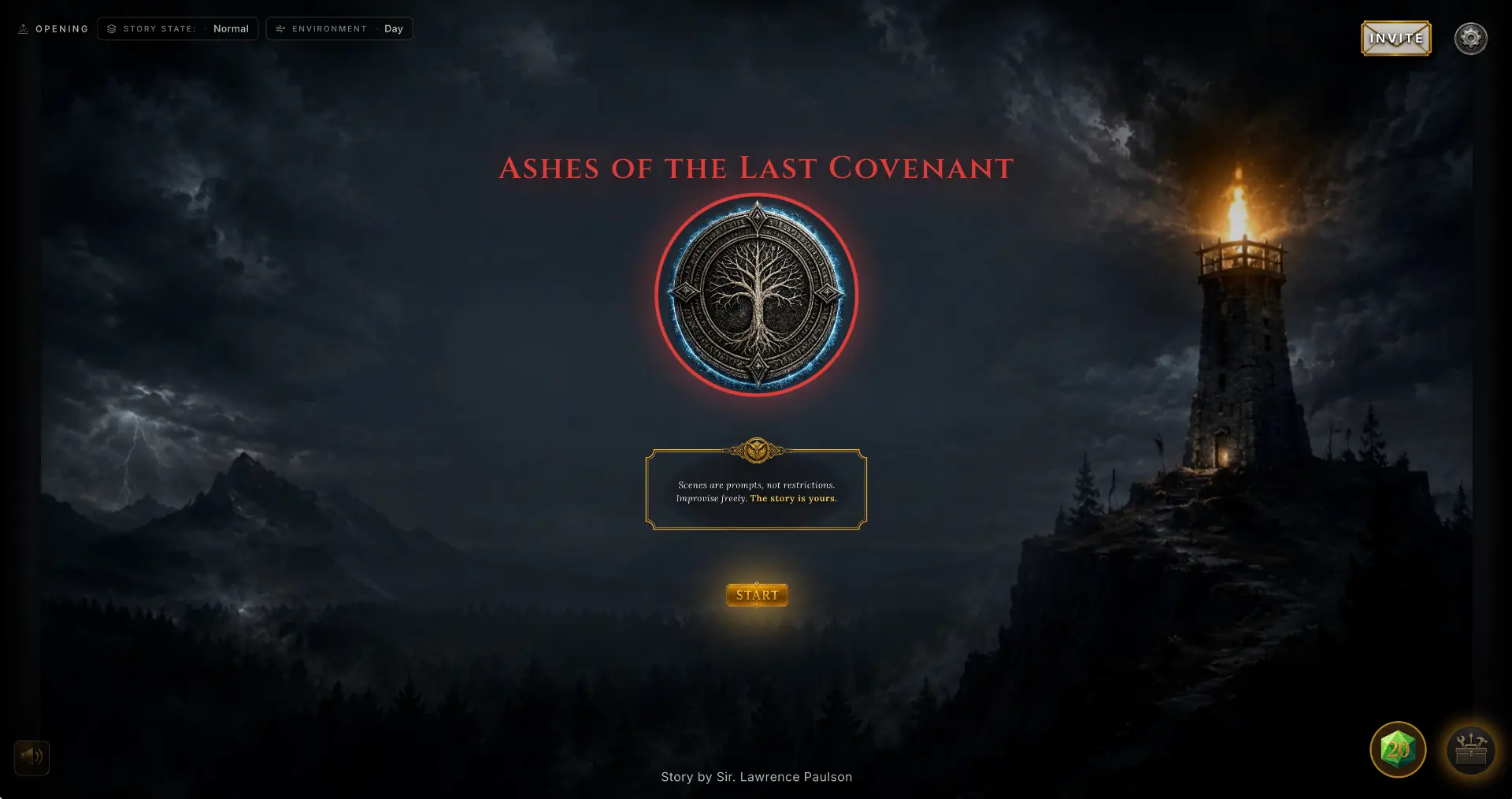
Launch the adventure and invite your players with a simple link or code.
- Play online or around the same table
- Guest access available
- Use Projection Mode to share scenes, maps, and visuals on a common screen
- Keep using paper character sheets while the GM tracks characters with digital tokens
They can join instantly from any device, with no installation required.
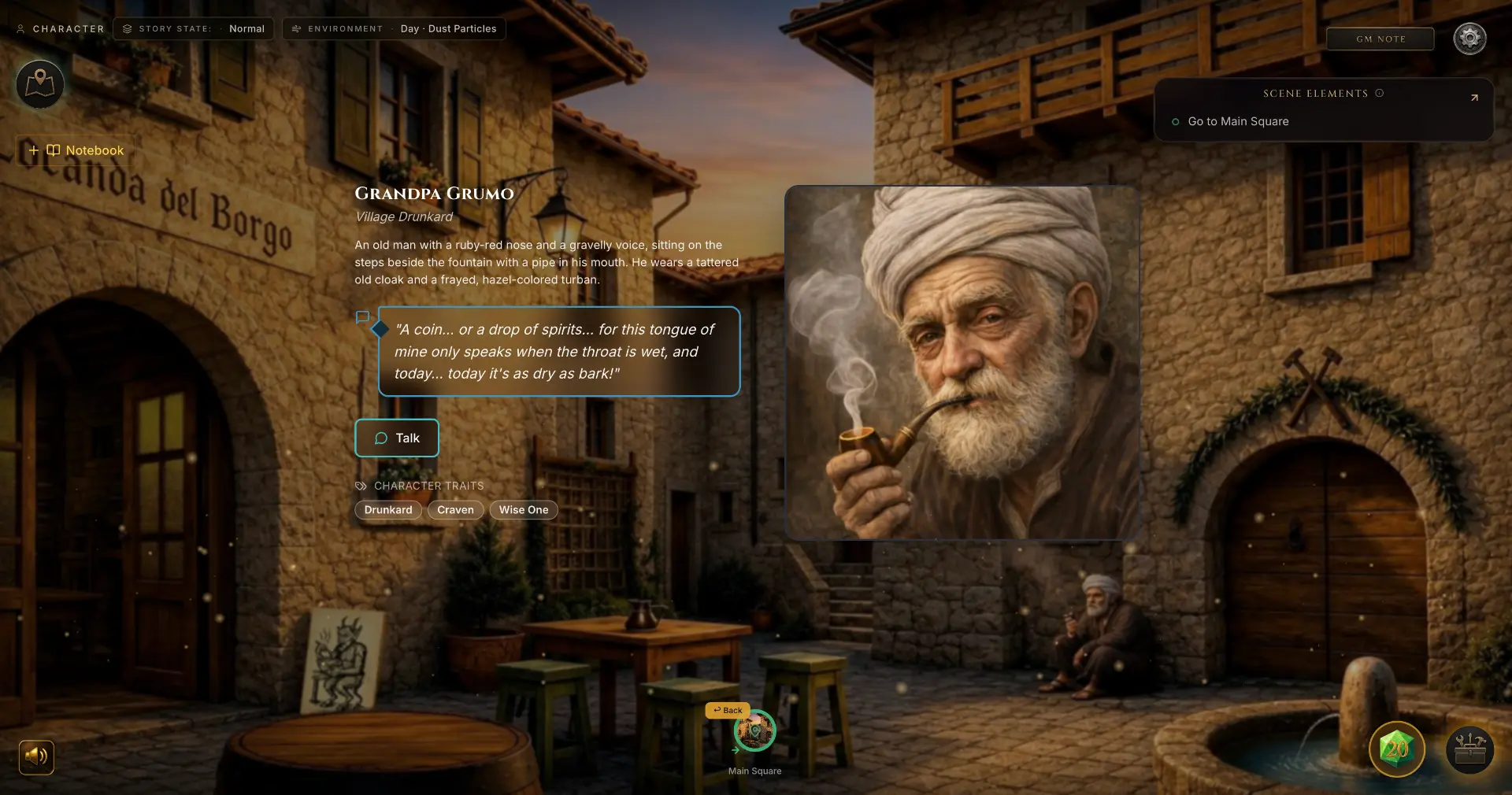
Run the Adventure
Reveal scenes, introduce characters, share maps, launch encounters, and guide the story in real time.
Your players stay inside the experience while your notes and controls remain behind the scenes.
Player
Joining is simple. Open the invite, choose your character, and enter the story.
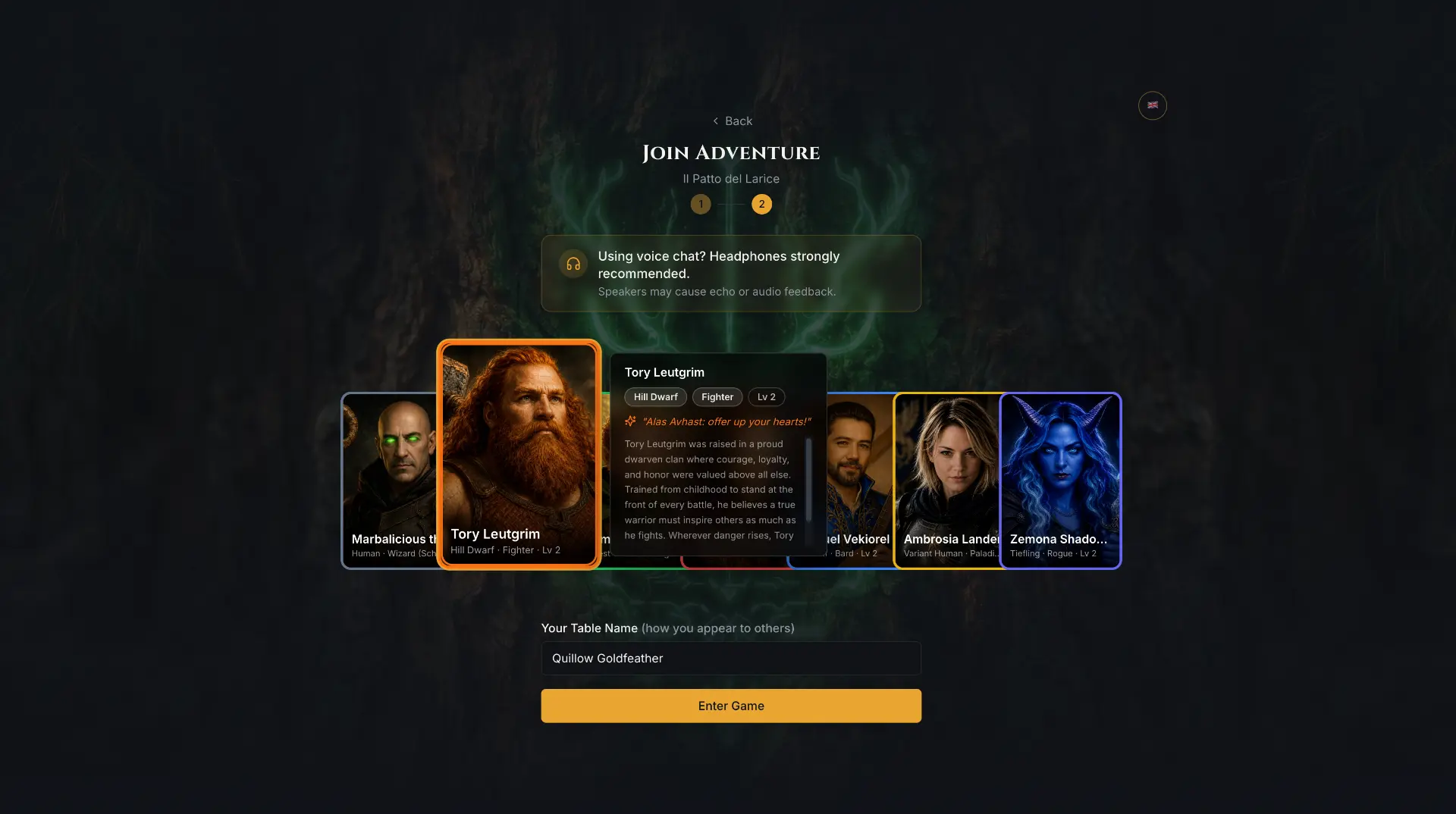
Join the Adventure
Open the invite link, choose a nickname and character, and join directly from your browser.
- No installation required
- Join as a guest with no account required
- Create an account to build and save your own character, then bring it into future adventures
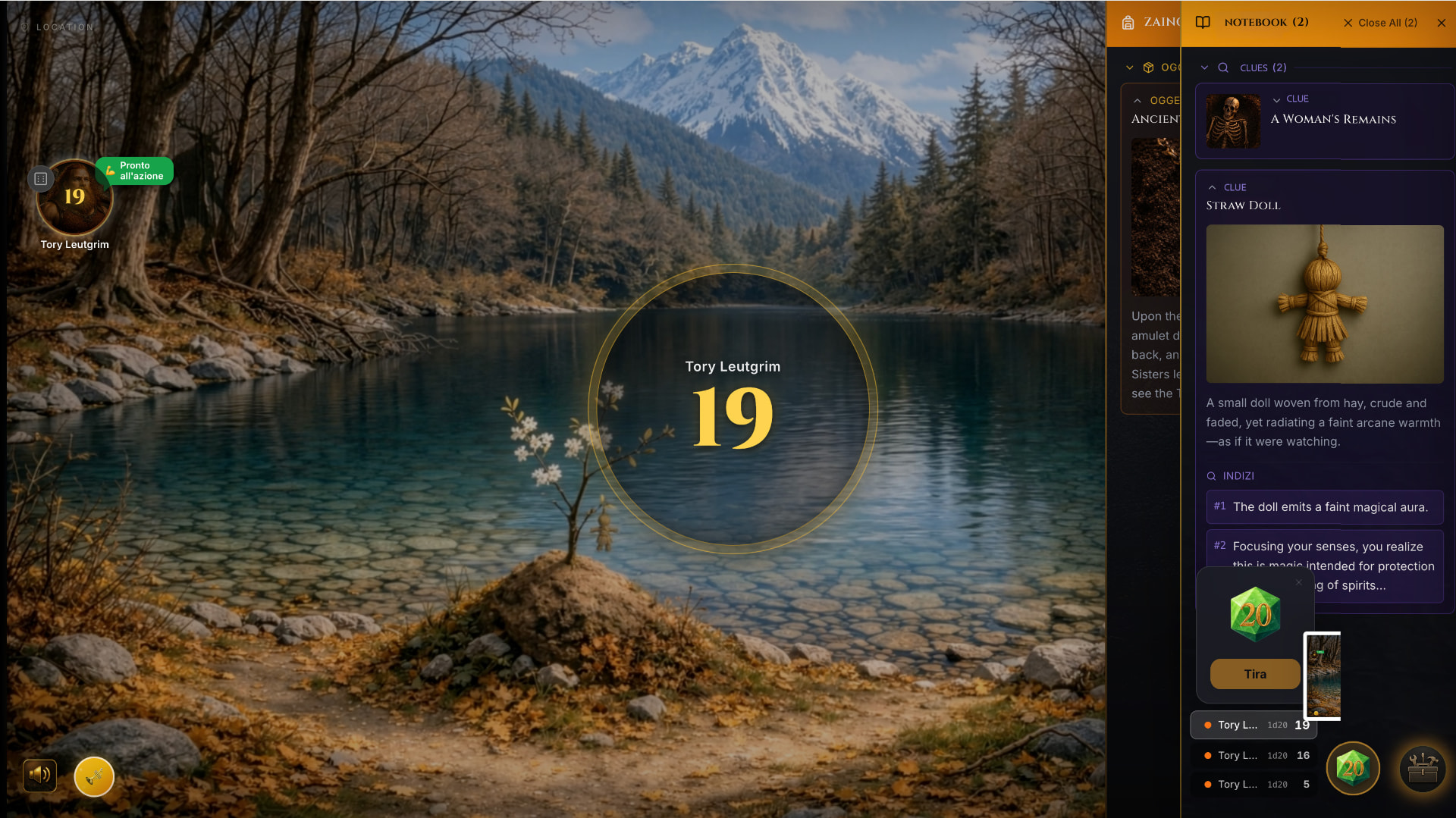
Experience the Story
Follow scenes, manage your character, roll dice, explore maps, and keep clues and items in your Pouch.
- Look around in panoramic scenes
- Take notes as the story unfolds
- Update your character’s appearance
- Celebrate great moments with the Triumph Trumpet
One Story. One Place.
No scattered notes.
No endless folders.
No switching between tools.
Just you, your players, and the adventure.